How to get Started
Step 1
Review Our Sim-Only Plans
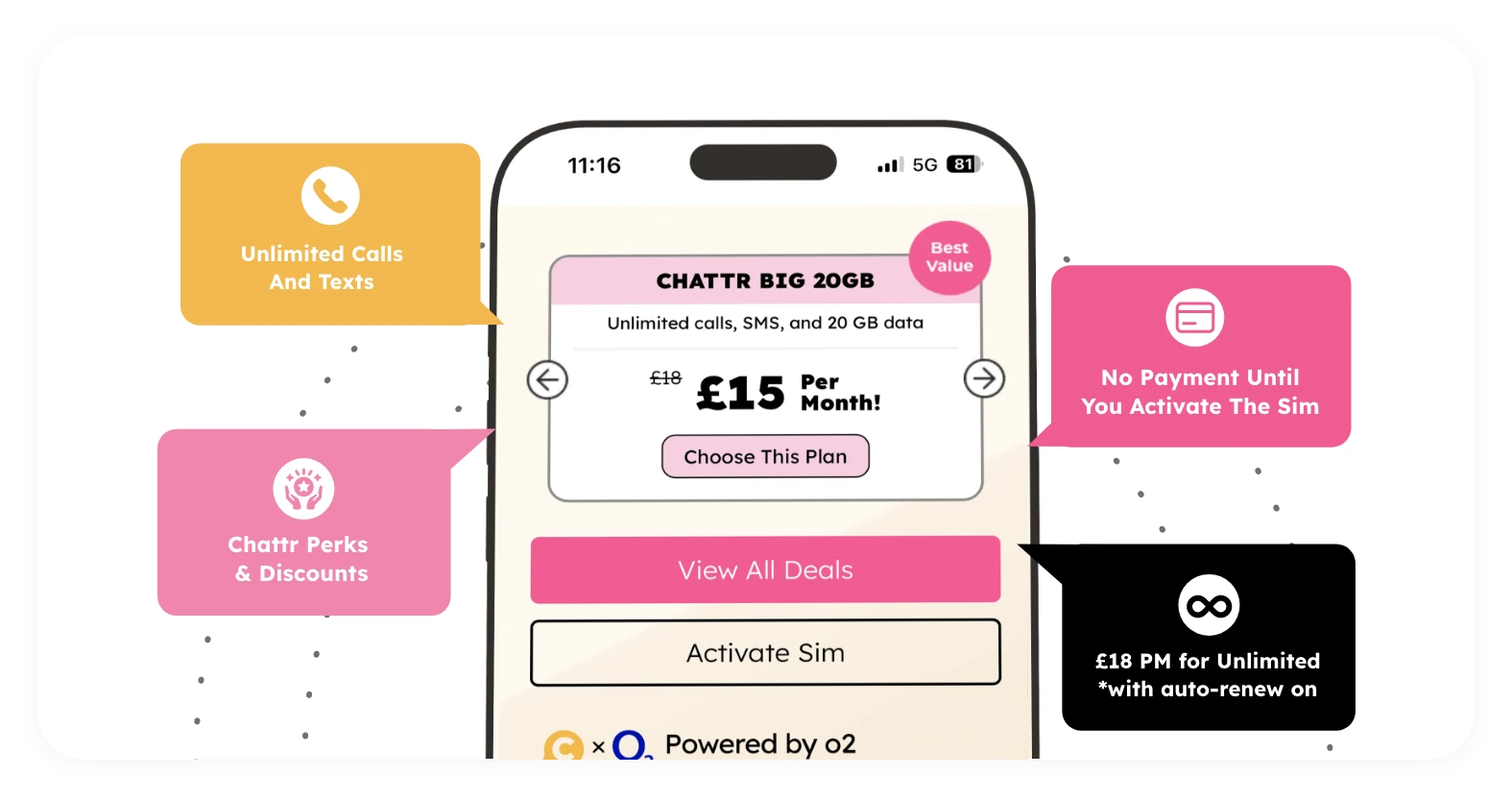
Explore our range of SIM-only plans to find the perfect fit for your needs. Discover what’s included in each plan along with all the perks and special offers we have available. Whether you need more data, unlimited calls, or international roaming, we have a plan tailored for you.
Step 1
Step 2
Add Plan to Cart and Place Your Order
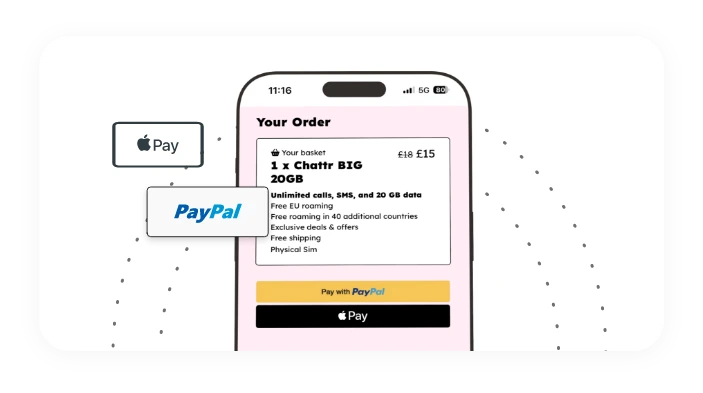
Once you’ve selected your plan and SIM type, add them to your cart and proceed to checkout. Place your order. If you’ve selected an eSIM we will send you instructions to activate your eSIM via email right away. If you’ve selected a physical SIM we will need to send you your SIM by post.
Step 2
Step 3
Activate Your SIM
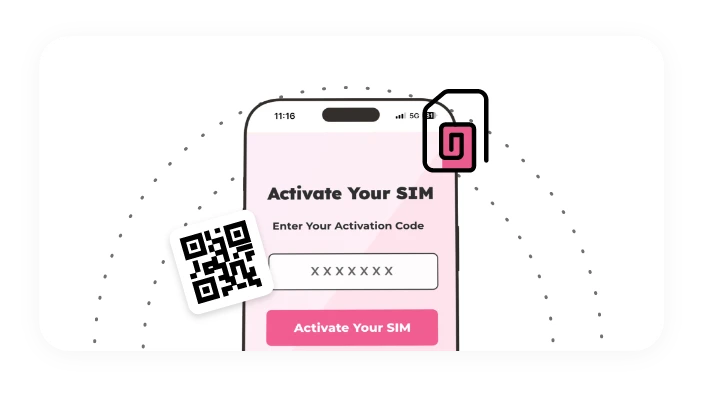
The next step is to activate your SIM using the last four digits of the serial number. After activation we’ll let you know when your number is ready. Transferring your existing number (find out about PAC codes) can take a bit more time. If you’re using a physical SIM you can put the SIM in your phone. If you’re on an eSIM we’ll send you a QR code to install it. That’s it—you’ll be ready to connect! It’s as simple as that!
Step 3